Stop renaming stems.
Messy files in. Named, coloured, grouped.

The hours before and after the mix, done for you.
Mac app for Pro ToolsMessy files in. Named, coloured, grouped.
Two mixes, loudness matched.
Scan the code, or send the link to anyone.
Tonight, every night, or when you step away.
The hours before and after the mix, done for you. Mac app for Pro Tools.
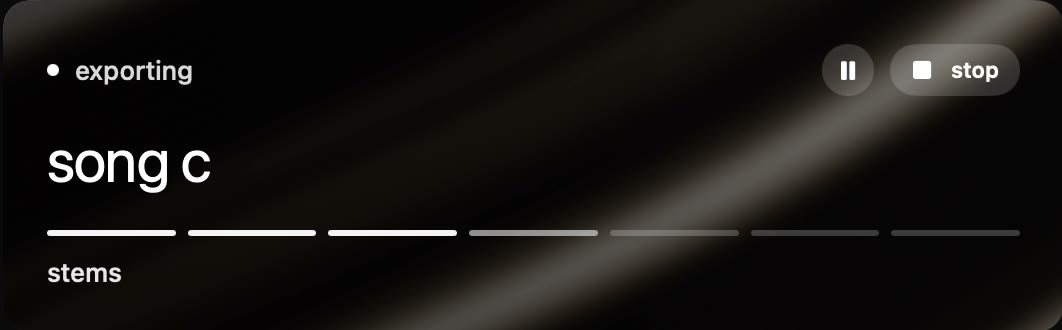
 song c stems

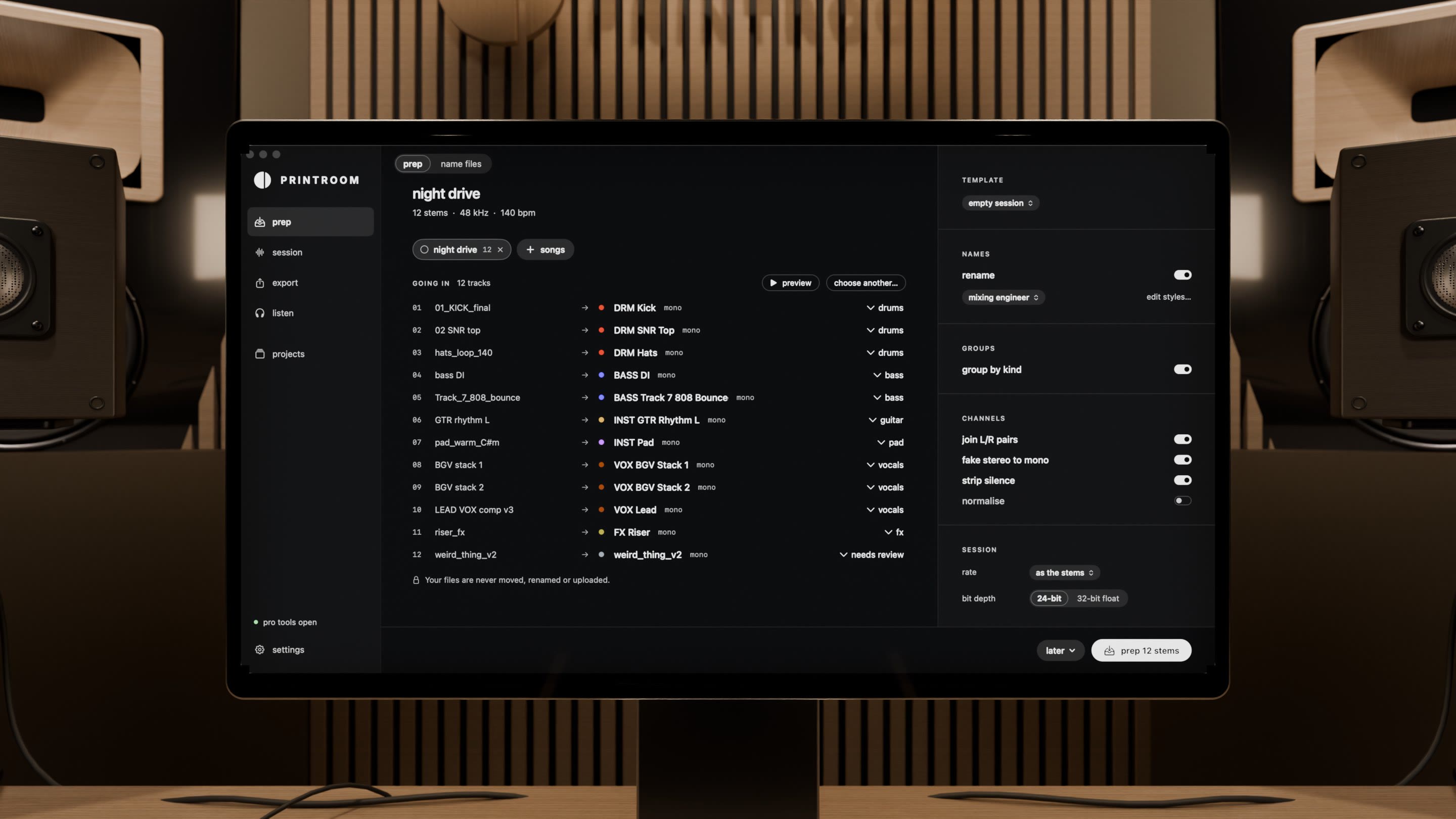
Messy files in. Named, coloured and grouped.
Stems land in your folders and on your tracks.
Tempo, L/R pairs, prints and dry vocals, sorted.
Anything unclear waits for you.
Move any stem. The rest follows.
Double-click and type.
Drop every song. Prep them in one go.
Join, mono, strip silence, normalise.
Stems in a real Pro Tools session, with no clicking.
New stems go into the session you’re in.
Tracks, folders, tempo and key, read back.
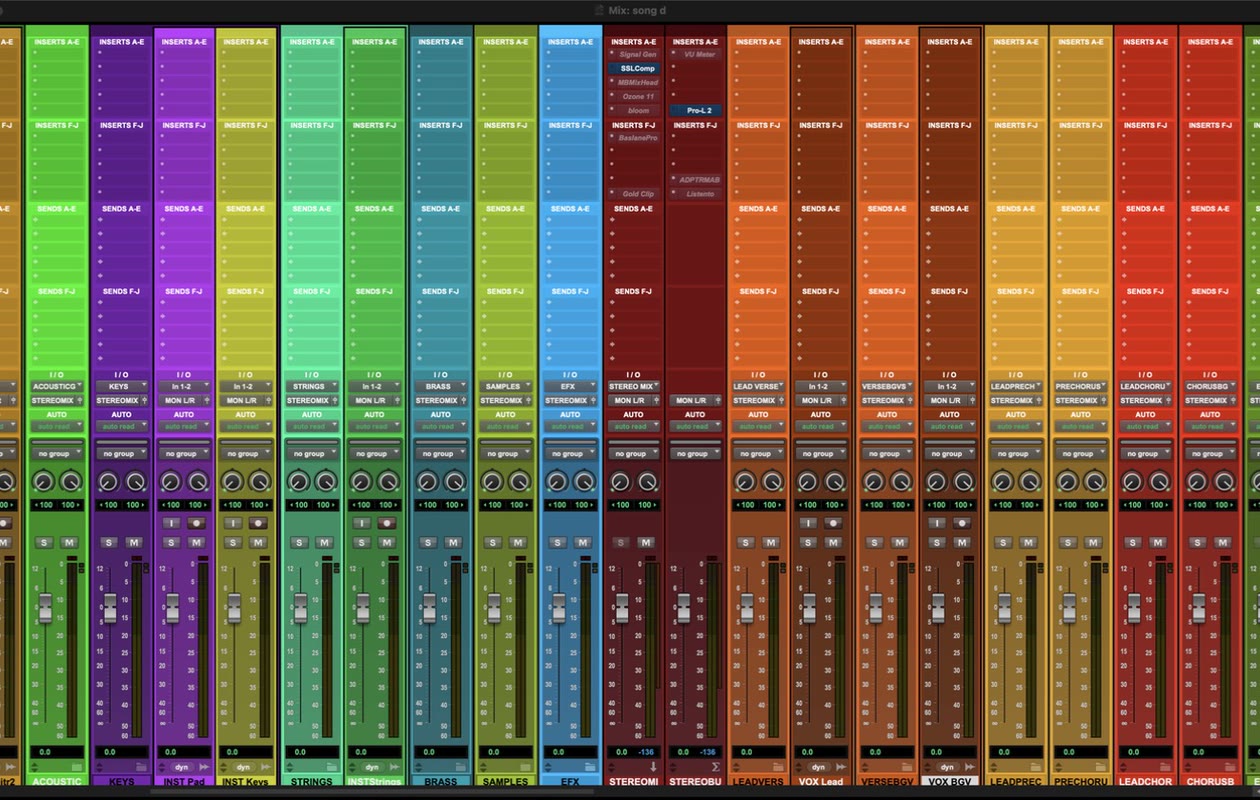
Your names and colours. Back in one click.
Type “prep at 9”. Check the card. Click.
Two mixes, loudness matched. Switch in place.
Solo any band, sub to high.
Stereo, L, R, mid, side, swap.
Every stem together, solo and mute, no Pro Tools needed.
Scan the code, or send the link to anyone.
Tonight, every night, or when you step away.
Every file read back. Anything odd, it tells you.
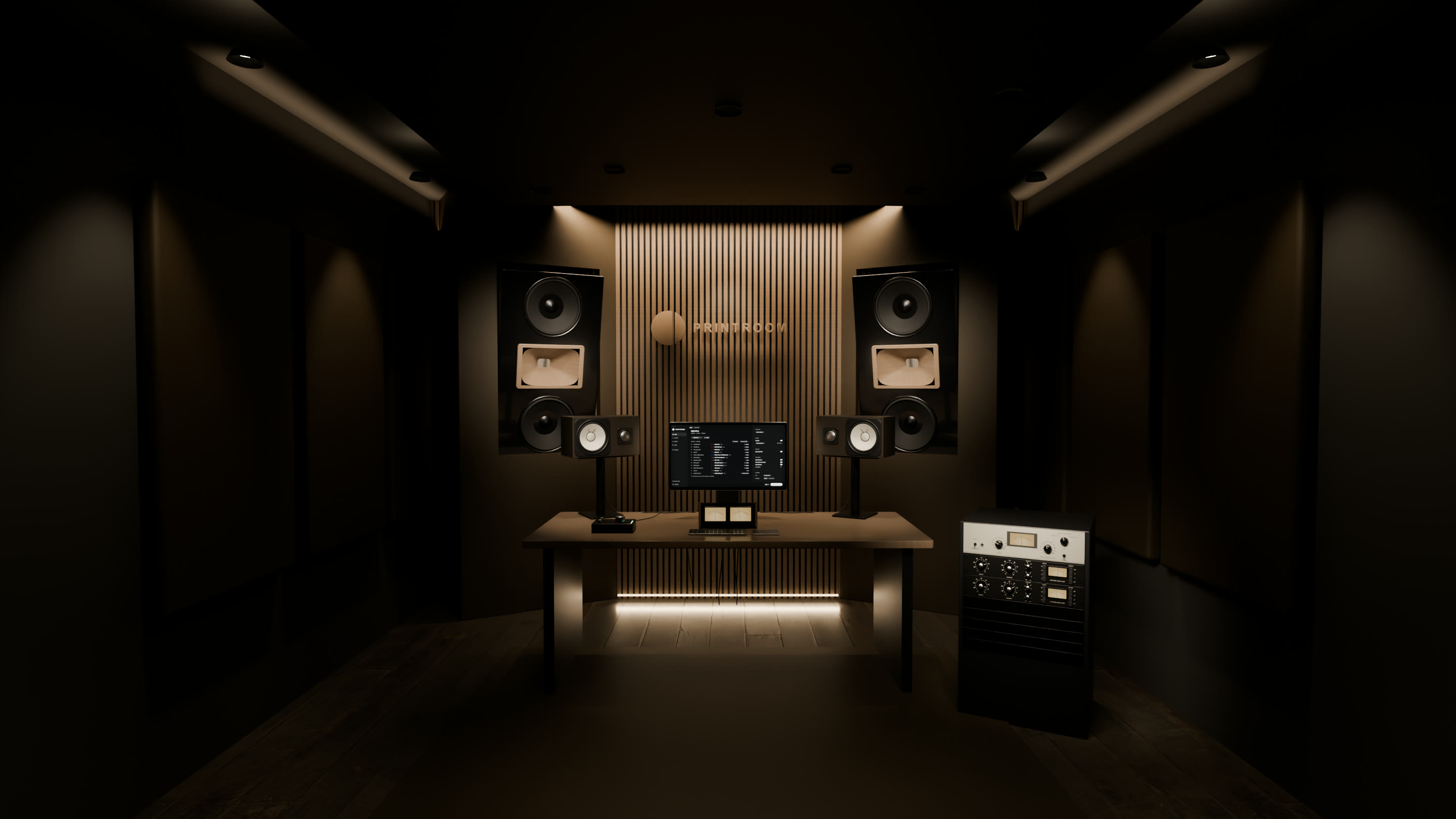
Drop the folder of stems on Printroom. It names, colours and groups them, and builds a session from your template, with your folders and tracks.
Add your sessions to Printroom’s export page, choose what to print, and start now or at a set time. It opens each session in Pro Tools, prints it and checks every file.
A Mac app for Pro Tools mix engineers and producers. It turns a folder of stems into a session from your own template, tidies a session’s names and colours your way, and prints every stem and the mix while you’re away, each file checked.
Never. They aren’t moved, renamed or uploaded. Joining, mono, strip silence and normalise all work on copies.
Prep makes a new session, or adds to the one you have open and leaves saving to you. Tidy writes names and colours only, and puts them back in one click. Printing never saves a session.
No. Printroom opens it in the background and quits it when the queue is done.
Pro Tools 2023.12 or later on macOS 14 or later, Apple silicon or Intel. Closed folders need 2024.6, strip silence and your template’s own tracks need 2025.6, track colours need 2025.10.
It reads the tempo from the file names and shows it; you set it in Pro Tools. L/R stems take their pan from your template’s own L/R tracks.
No. Printroom is for Pro Tools.
Yes. Your first month of Monthly is $1, with every feature. Yearly starts with 14 days free, once per person: a card starts the trial, and if you cancel before it ends you pay nothing. After that, all sales are final.
Yes. Monthly and yearly renew until you cancel, online, any time. Lifetime is paid once.
Every feature, every plan. Monthly: $1 for the first month, then $19.99 a month. Yearly: 14 days free, then $179 a year.
Both renew until you cancel, online, any time. Lifetime is paid once and final.
Mac · Pro Tools 2023.12 or later